
A family runs on information, and too often one person is expected to remember all of it. These winners help make that information easier to find and share, so keeping the household organized can become more of a shared responsibility.
This page contains affiliate links. We may earn a commission if you purchase through them.
2026 Award Winner
Best Local Family Resource Hub

Access the Village Membership
Finding childcare can mean opening a dozen tabs, asking around and still not knowing which programs are enrolling. MoCo Mom gathers family resources for Moore County, North Carolina, into a local membership, with information on schools, childcare and activities alongside community connections. It gives parents somewhere more focused to begin their search.
We chose it for the value of knowing a place well. A local directory can answer questions a national parenting site simply can’t, especially when you’re new to the area or entering a new stage with your child. MoCo Mom also states that its directory contains no paid placements. Its strength is that local focus: helping families discover options in their own community without starting from scratch every time.
A good fit for: Families in Moore County, North Carolina, seeking local resources and connections.
Worth knowing: This is a local membership, not a nationwide service. Confirm current membership terms, and check availability and suitability directly with listed providers.
Explore the membership2026 Award Winner
Best App for Sharing Household Cleaning

Premium
Being willing to clean and knowing what needs cleaning are two different things. If one person is always noticing, assigning and reminding, the planning still belongs to that person. Sweepy makes recurring cleaning tasks visible and tracks what has been completed, so household members have a shared place to see what needs attention.
Premium’s automatic scheduling is the feature that gives this system its particular appeal. Once you’ve set up the household’s tasks, it can generate daily cleaning schedules instead of requiring someone to make a fresh list every morning. We chose it for that practical combination of scheduling and shared visibility. The app works best when everyone agrees to use it and take responsibility for their part; it can organize housework, but it can’t negotiate that agreement for you.
A good fit for: Households that want a shared system for recurring cleaning tasks.
Worth knowing: Automatic scheduling requires Premium. Initial setup and household participation still matter; Sweepy’s focus is cleaning rather than the full range of family planning.
Explore the app2026 Award Winner
Best Shared Family Calendar App
Family Organizer
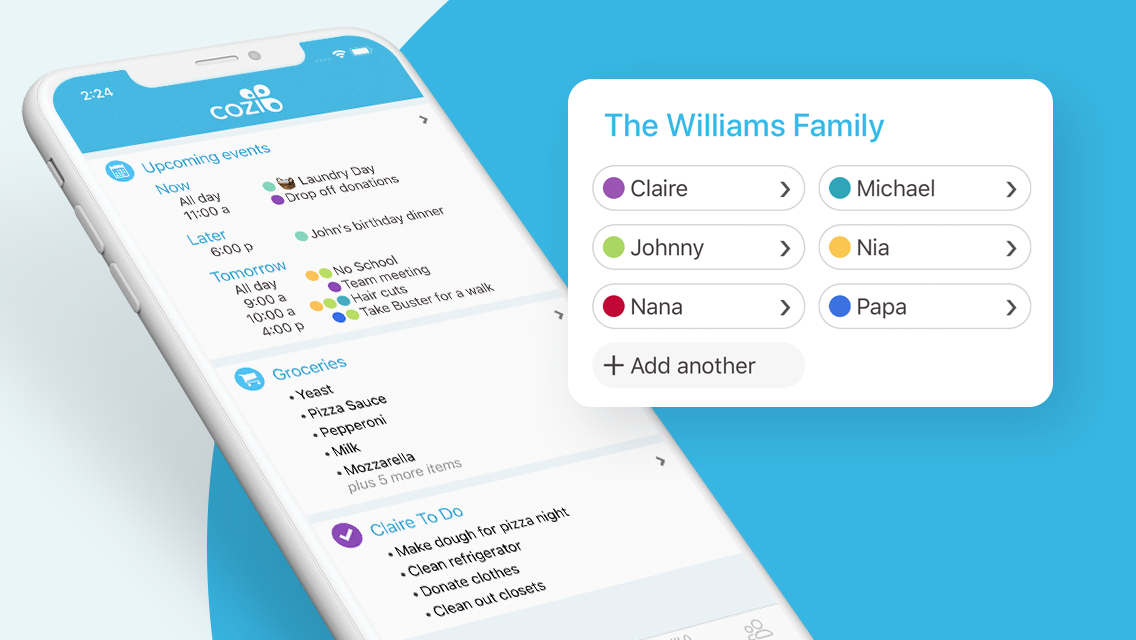
A family calendar is most useful when the information doesn’t have to pass through one person to reach everyone else. Cozi gives household members a shared place to check the schedule, with shopping and to-do lists alongside it. The free version includes those core features as well as a recipe library.
We chose Cozi because a useful shared system shouldn’t require a family to buy hardware or commit to a subscription before finding out whether it fits. Having a common calendar creates somewhere to put the details you would otherwise keep repeating. The real benefit comes when the people using it also help maintain it. Paid plans add conveniences, but the free core offers a meaningful starting point for getting everyone onto the same page.
A good fit for: Families looking for a shared calendar and everyday lists with a useful free option.
Worth knowing: Compare the Free, Gold and Max plans before choosing. Additional reminders, notifications and AI tools depend on the plan; don’t assume every advertised feature is free.
Compare plans2026 Award Winner
Best Family Calendar Display

Calendar 2
A calendar on your phone can be perfectly organized and still leave everyone asking you what happens next. Skylight puts the family schedule on a shared touchscreen, giving it a visible home in the kitchen or another common space. Adults and children have somewhere to look, while app access lets you update information when you’re away from the display.
That visibility is why we chose it. The device makes a family system easier to see and refer to throughout the day, with chores and lists alongside the calendar. Calendar 2 is the current model featured here. Some of the features that may catch your attention, including document-to-event imports and meal planning, belong to Calendar Plus, so it’s worth deciding which functions your household will actually use before purchasing.
A good fit for: Families who want a shared, visible calendar in a common area of the home.
Worth knowing: Confirm the model and size at checkout. Calendar Plus is a separate subscription for premium features, including document imports, rewards and meal planning.
View product & pricing2026 Award Winner
Best Shared Grocery & Meal-Planning App
AnyList & AnyList Complete
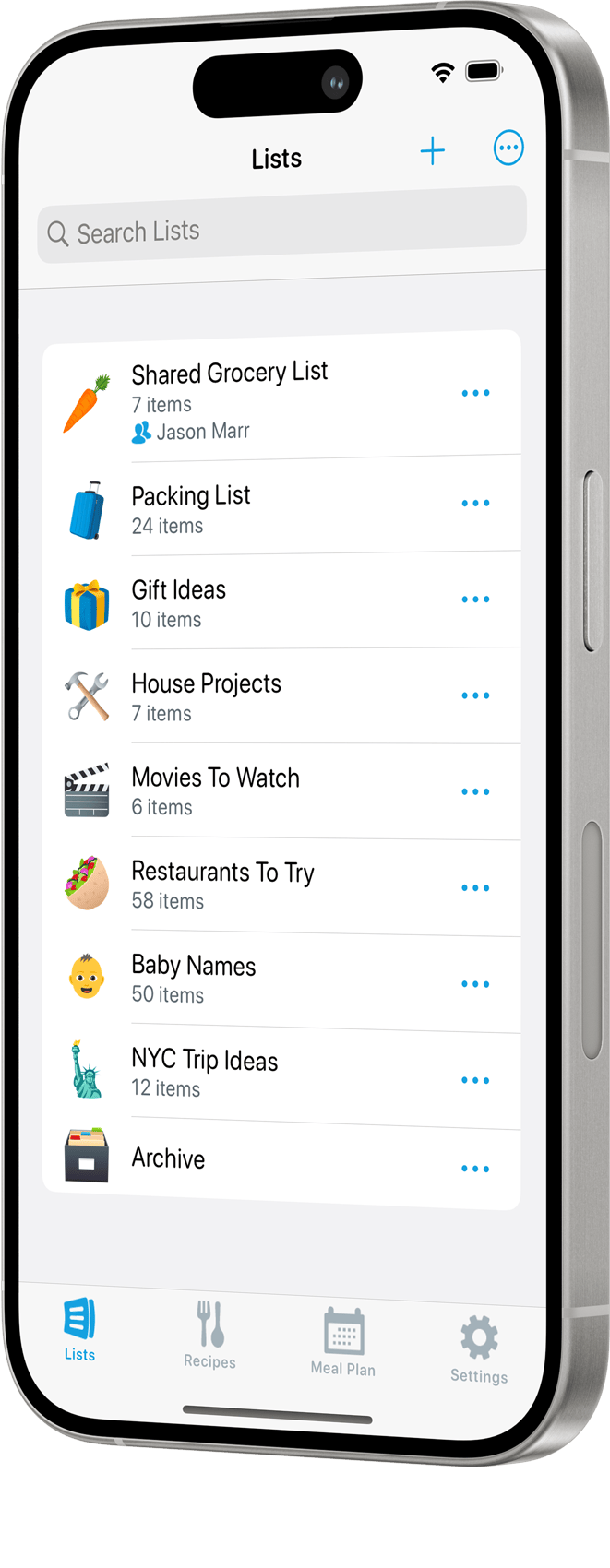
Deciding what to cook and figuring out what to buy are connected jobs, even when they live in different notes, texts and tabs. AnyList brings shared grocery lists together with recipe tools, so the person shopping can work from the same information as the person planning dinner. Creating and sharing lists is part of its free offering.
We chose it for the connection between a meal idea and the shopping needed to make it happen. AnyList Complete expands the system with tools such as a meal-planning calendar and broader recipe-importing options. A shared list also gives other household members somewhere to add what they’ve noticed is missing. That won’t decide every dinner for you, but it creates a practical place for more than one person to contribute.
A good fit for: Households that want to connect shared grocery shopping with recipes and meal planning.
Worth knowing: Shared lists are free. Check the feature comparison for recipe-import limits and the paid Complete tools; individual and household subscriptions differ.
Compare features2026 Award Winner
Best Family Document Organizer

Family Document Organizer
Knowing where the insurance card is can become an invisible household job. So can remembering which folder contains the immunization record or what information a sitter might need. Trustworthy gives families a digital place to organize important records and share selected information with the people who need it.
We chose it for addressing the work behind being the family’s default keeper of documents. A shared system can make information easier to find without requiring one person to retrieve and explain it every time. The setup does take effort: someone needs to add the records and decide who should have access. Its value depends on building a system others can actually use, then keeping the information current as family circumstances change.
A good fit for: Families seeking an organized home for important documents and caregiver information.
Worth knowing: Review pricing, security practices and sharing permissions before uploading sensitive records. Allow time for setup, and make sure authorized family members know how to access what they need.
Explore the serviceAbout these selections
These awards reflect our editorial assessment of usefulness, quality, value, and relevance to mothers. Reviews may draw on submitted information, publicly available materials, editorial experience, and direct communication. We identify hands-on use where it informed a selection. Features, subscriptions and service availability may change; confirm current details with the provider. Shared tools can support a family system, but sharing responsibility also requires the people using them to participate.